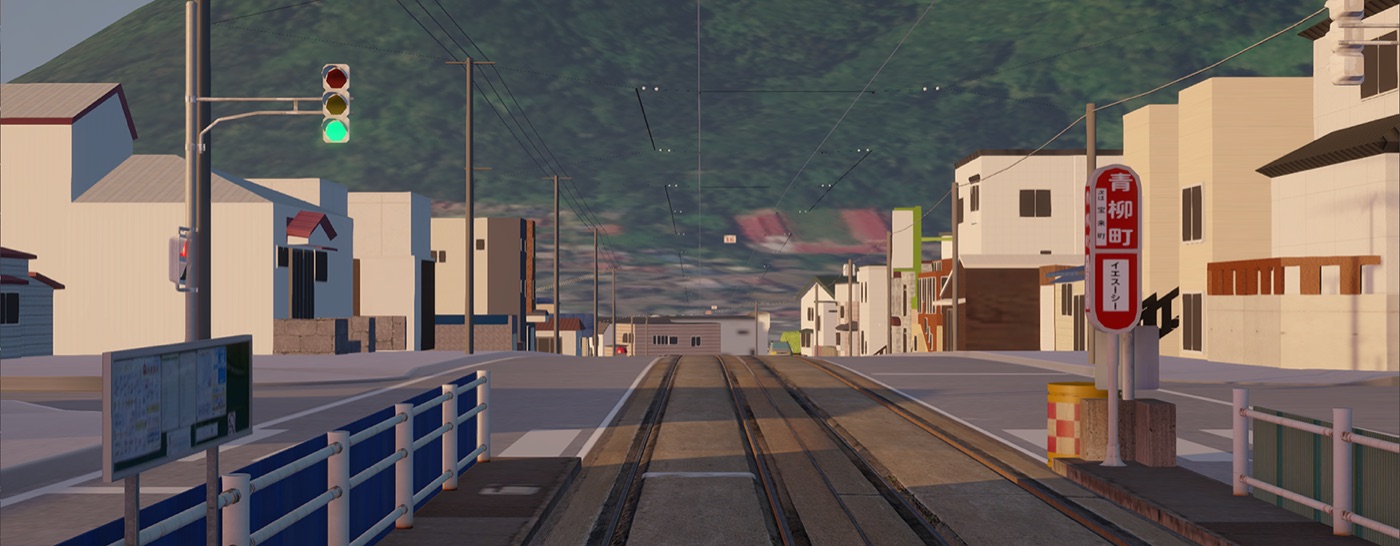

Drive real-world trams.
A PC driving simulation game that recreates real-world streets and trams. Each setting is developed with the official permission of the railway operator.
We are working on Ver. 2, with a reworked menu and improved features. Roadmap →
We plan to exhibit at Tokyo Game Show 2026. Exhibition details →
News
- 開発レポートFFF Tokyo 創業支援プログラムによる TRAMCITY コントローラ(仮)の開発成果
- お知らせVer.1.3.14 アップデート!3000形追加&千代台延伸!
- 開発レポートTRAMCITY 運転用コントローラについて
All news → (Japanese only)
Series
TRAMCITY HAKODATEOut now
Drive the streets of Hakodate, faithfully recreated in-game. Available on Steam in Early Access.
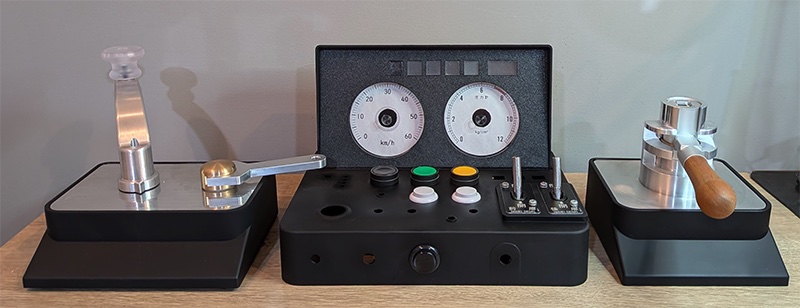
Dedicated ControllerIn development
A master-controller-style hardware controller for driving like a real tram operator.
Future plans are shared openly on the development page.
How to Play
Driving a tram is a cycle of three steps: pick up passengers and depart, drive, then stop and let passengers off. Press F1 in-game to show the control guide.
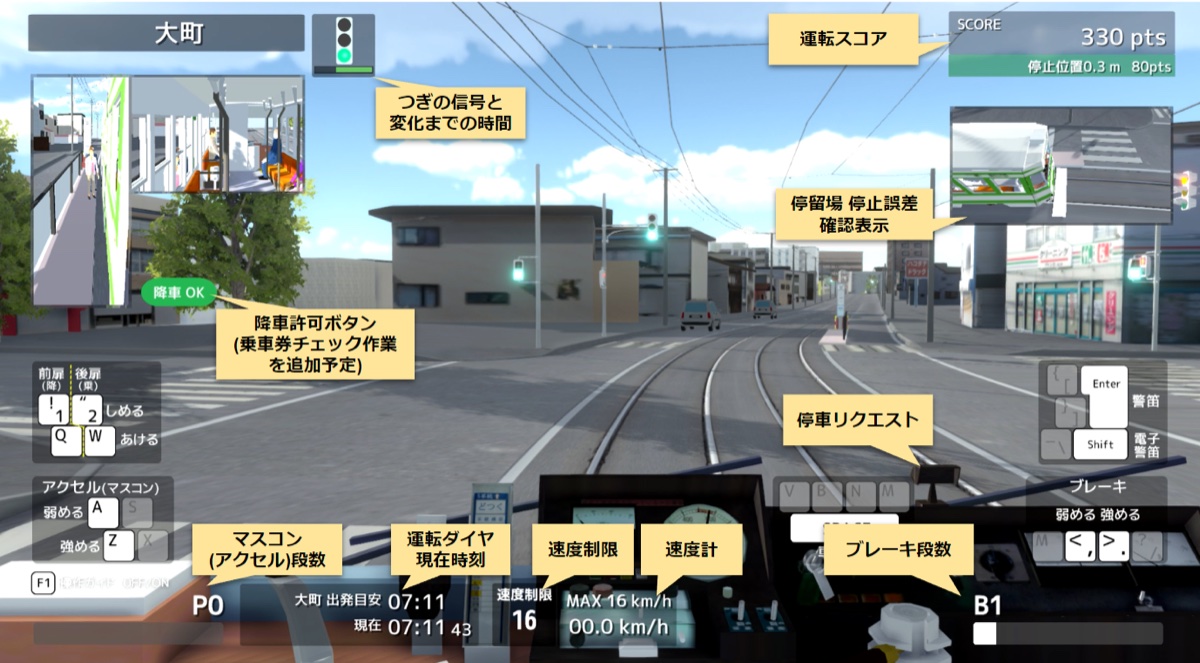
1. Pick up passengers and depart
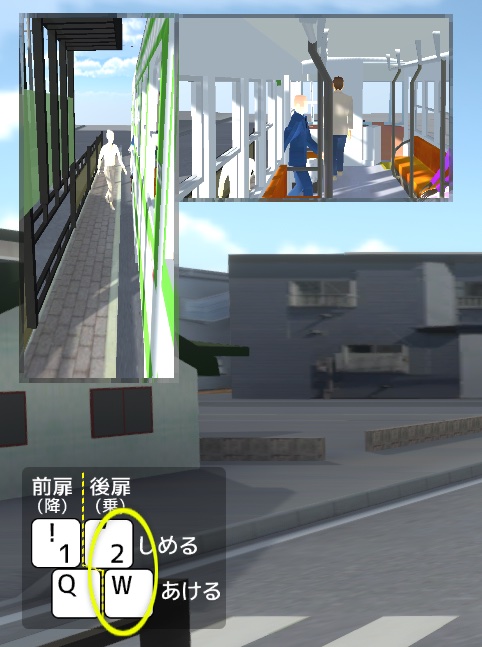
Trams board at the rear door and exit at the front. Let passengers board, close the doors, then depart: release the brake and advance the throttle (master controller) one notch at a time, from 0 to 7.
2. Drive
Once you reach your target speed, follow the speed limit signs and traffic signals. Stop before the intersection when the signal is red.
3. Stop and let passengers off
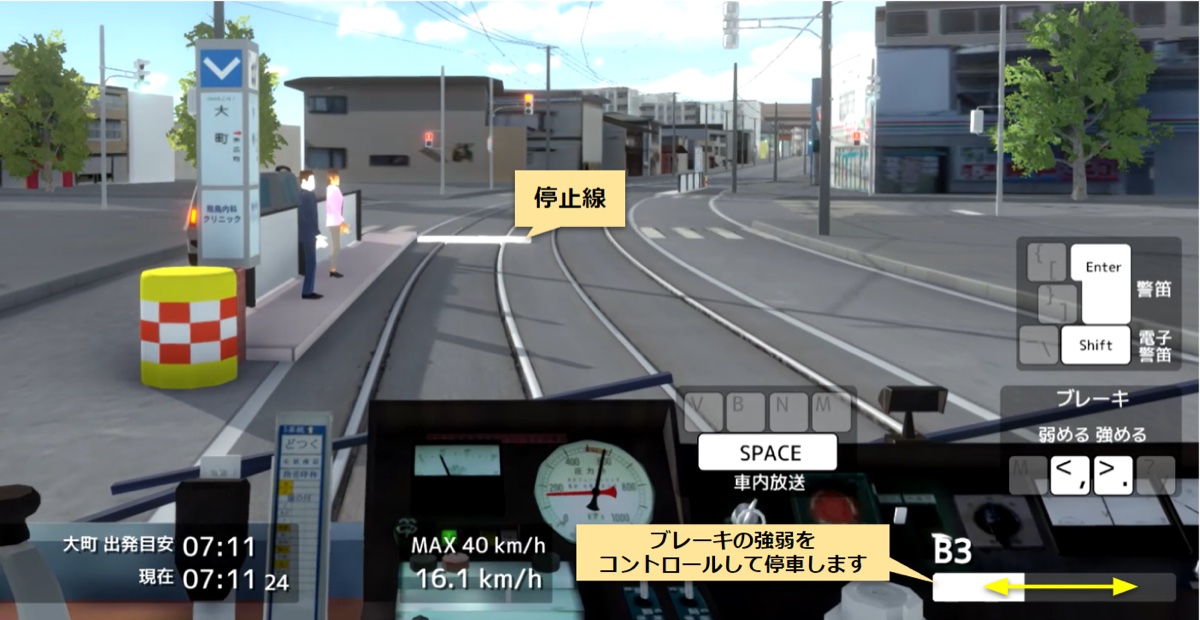
At each stop, align the front of the tram with the white line — the hardest part of the job. Once stopped, open the front door to let passengers off.
Tips for getting a high score are coming to the Tips page.